





On this page
A website can load perfectly, accept payments and send the right emails while still having security problems in the configuration underneath it. You can check every page on your phone, fix the awkward spacing in the footer and ship the whole thing without ever noticing an old DNS record or a service that should only be reachable from your own network. None of those things necessarily stops the website working, which is partly why they get missed.
For a small business or a developer running their own products, a useful starting point is to look at what is publicly accessible and check whether it matches what you intended to publish. That means your domains, certificates, email configuration, HTTP responses and exposed services. It gives you a manageable set of questions to work through, with evidence you can inspect and changes you can verify. It also avoids starting with a security dashboard containing 47 warnings and absolutely no indication of which one deserves your afternoon.
Start with what you actually run
Write down your main domain, the subdomains you use, where they point and who manages them. Include the less interesting bits: the staging environment, customer portal, documentation site, old campaign landing page and whatever is still sitting behind test.example.com. For each service, you should be able to explain what it does, why it is accessible and who is responsible for maintaining it. A small table is enough. The useful part is finding the entry that nobody can explain.
This is the beginning of understanding your attack surface: the places where someone can interact with your systems and potentially find a way in. OWASP's attack surface guidance covers the wider subject, but you can make useful progress simply by comparing your DNS and hosting accounts with the list of services you believe you still operate. Keep the list when you finish. It is considerably easier to update it when you remove a service than to reconstruct everything six months later.
Check HTTPS beyond whether the page opens
HTTPS uses TLS to protect traffic between the browser and the server it connects to. A valid certificate helps the browser authenticate that connection. It does not tell you whether your application handles permissions correctly, whether your dependencies are patched or whether the business behind the website is trustworthy. That is asking rather a lot of a certificate.
Check that the certificate covers the hostname being visited, is trusted and has not expired. Confirm that renewal is automated and that someone will notice if it fails. A public website should redirect ordinary HTTP visits to HTTPS, and its TLS configuration should support modern clients without retaining obsolete protocols for no clear reason. MDN's TLS overview explains the underlying checks. If you use a CDN or reverse proxy, remember that the visitor-facing connection and the connection back to your server are separate; a healthy result at the edge does not verify the origin configuration.
HSTS adds another useful control. Once a browser has received a valid Strict-Transport-Security header over HTTPS, it remembers to use HTTPS for that hostname for the specified period. There is a first-visit limitation unless the hostname is covered by a browser preload list. The includeSubDomains option also needs thought: it commits subdomains to HTTPS, including ones you may have forgotten about. Get the underlying HTTPS setup working before making a long-lived commitment on its behalf.
Give your DNS records a proper look
DNS tends to accumulate history. You add a record for a service, stop using the service and leave the record because deleting it feels slightly more dangerous than ignoring it. Eventually the zone becomes a record of business decisions that nobody remembers making. Review the destinations and confirm that the resources still exist and remain under your control.
A dangling DNS record points at a resource that has been removed or is no longer controlled by you. Depending on the provider and its ownership checks, someone else may be able to claim the abandoned resource and serve content through your hostname. A broken CNAME alone does not prove that takeover is possible; the provider's behaviour matters. It does give you something concrete to investigate. Microsoft's subdomain takeover guidance explains the failure mode and why DNS cleanup belongs in the process for removing a service.
DNSSEC is a separate consideration. It uses signatures to let validating resolvers check the authenticity of DNS data. It does not encrypt DNS queries or make the application behind a domain secure. If your provider supports it, follow its setup instructions and check that the chain of trust is valid, particularly when changing DNS providers or registrars. Cloudflare's explanation of DNSSEC is a useful introduction. Treat it as a configuration change to verify, rather than a switch to enable and immediately forget.
Understand what is sending email as your domain
Email authentication becomes easier to reason about once you separate its three main parts. SPF identifies the servers authorised to send for the domain used in the SMTP envelope, which is not necessarily the address the recipient sees. DKIM adds a cryptographic signature that the receiving system can verify using a public key published in DNS. DMARC connects authentication to the domain in the visible From address and publishes a policy for messages that fail its checks. The NCSC's email security guidance is a good starting point for implementing these controls.
The important detail is alignment. To pass DMARC, a message needs a successful SPF or DKIM result whose authenticated domain aligns with the visible sender domain under the configured rules. A valid signature from an unrelated domain is not enough. This is why adding a TXT record and seeing email arrive in your inbox does not, by itself, prove that every system sending on your behalf is configured correctly. The DMARC specification's explanation of alignment covers the distinction.
Before tightening the policy, inventory the actual senders: your mailbox provider, transactional email service, support platform, marketing tool and any application that sends invoices or password resets. A DMARC policy of p=none can be useful while you collect reports and identify legitimate traffic, but it does not request quarantine or rejection of failing messages. Move towards enforcement once those senders are working correctly. Changing three DNS records is straightforward; discovering that the invoicing system was a fourth sender tends to make the job longer. The NCSC describes this initial monitoring stage.
These controls reduce direct spoofing of your domain. They do not prevent someone registering a similar-looking domain, impersonating a display name or sending malicious mail from a compromised legitimate account. There is still a human and account-security side to email.
Read the headers, then understand the policy
HTTP security headers tell browsers how to handle your content. Content Security Policy, usually shortened to CSP, can restrict which scripts and other resources a page is allowed to load and execute. An effective policy can reduce the impact of certain injection attacks, but its value depends on what it actually permits. The presence of a header is only the start of the check. A policy that allows almost everything may keep the scanner quiet without giving you the protection you expected.
CSP also needs to fit the application. Your login flow, payment integration, embedded content and third-party scripts may all depend on resources a copied policy would block. Use CSP's report-only mode to observe violations without enforcing the candidate policy, configure reporting if you want to collect them centrally, and exercise the important user journeys before enforcement. MDN's CSP guide is a better implementation reference than an unexplained block of headers pasted into a server configuration.
Cookies deserve the same attention. For a conventional session cookie, Secure restricts transmission to HTTPS and HttpOnly prevents JavaScript from reading it through browser cookie APIs. SameSite controls when the browser includes cookies in cross-site requests and can help reduce some cross-site request forgery risks. It needs to suit the login and integration flows; the strictest value is not automatically the correct one everywhere. MDN's cookie documentation explains the attributes. A cookie containing a colour preference and one granting access to an account do not warrant identical treatment.
Check which services are publicly reachable
Your web server needs to receive public requests. Your database usually does not. Neither does every administrative interface, development server or internal dashboard running on the same infrastructure. Review the listening services and the network rules that expose them, then ask whether public access is required. For internal services, use private networking or a controlled access path appropriate to the system. OWASP's database security guidance recommends restricting database network access to the hosts that actually need it.
An open port is evidence of reachability. It is not automatically proof of a vulnerability, a confirmed identification of the application behind it or evidence that somebody has accessed your data. You still need to identify the service and inspect its configuration. Equally, requiring a password does not explain why an internal service needs to be reachable by everyone. If that access serves no purpose, removing it reduces what you have to defend and maintain.
Check this from outside your network as well as from inside it. Also pay attention to scope: a check against a CDN address tells you about what is reachable there, and a check against one hostname does not establish the state of every other server you own. Keep the inventory and the testing scope connected. Otherwise it is quite possible to produce an excellent report about the wrong machine.
Turn findings into changes you can verify
A useful finding should tell you what was observed, where it was observed, why it matters and how to check it yourself. Severity helps you prioritise potential impact; confidence describes how strongly the evidence supports the conclusion. Those are separate questions. A missing header can be observed directly, while an apparent software version may need further investigation before you decide that a particular vulnerability applies.
Consider an illustrative finding that an HTTPS response is missing HSTS. Inspect the response, confirm the hostname and check where headers are configured. Once HTTPS is reliable, an initial, short-lived policy for testing might be:
Strict-Transport-Security: max-age=300
That tells the browser to remember the HTTPS requirement for five minutes. It is a rollout example, not a finished production policy. Confirm that the header reaches visitors, test the affected service and then increase the duration deliberately. Review subdomain coverage and preloading separately. MDN's HSTS reference explains the behaviour and deployment considerations.
The important part is closing the loop. Change the configuration, deploy it, inspect the public result and rerun the relevant check. Record what you changed and why. Editing a file is not proof that the running service picked it up, especially when there is a proxy, cache or second configuration file involved. When several findings compete for attention, investigate plausible high-impact exposures first and schedule lower-impact hardening work around them. You need a reasoned order of work, rather than a personal obligation to make every badge green before lunch.
Cover the things a public scan cannot see
The accounts controlling your registrar, DNS provider, hosting and email deserve particular attention. Use passkeys where available, and strong unique passwords with multi-factor authentication wherever password access remains. Remove access that former staff or suppliers no longer need and keep account-recovery arrangements usable. The NCSC's account security guidance covers these basics. An external scan cannot establish whether the person who can replace your DNS records is still signing in with a reused password.
Keep supported software updated and maintain backups of the data and configuration you need to recover. Work through a restore before an incident forces the issue, and make sure a compromised production account cannot trivially destroy every recovery copy. The NCSC's backup guidance provides a starting point. A successful backup job is encouraging; recovering a working system is the result you actually need.
Application security also needs its own work: authentication, permissions, handling untrusted input and protecting secrets. A public configuration check cannot establish that one customer is unable to retrieve another customer's invoice. That requires testing the application and its access controls. Decide what each check is meant to prove, and be clear about what remains untested.
Where Ironfang Security fits
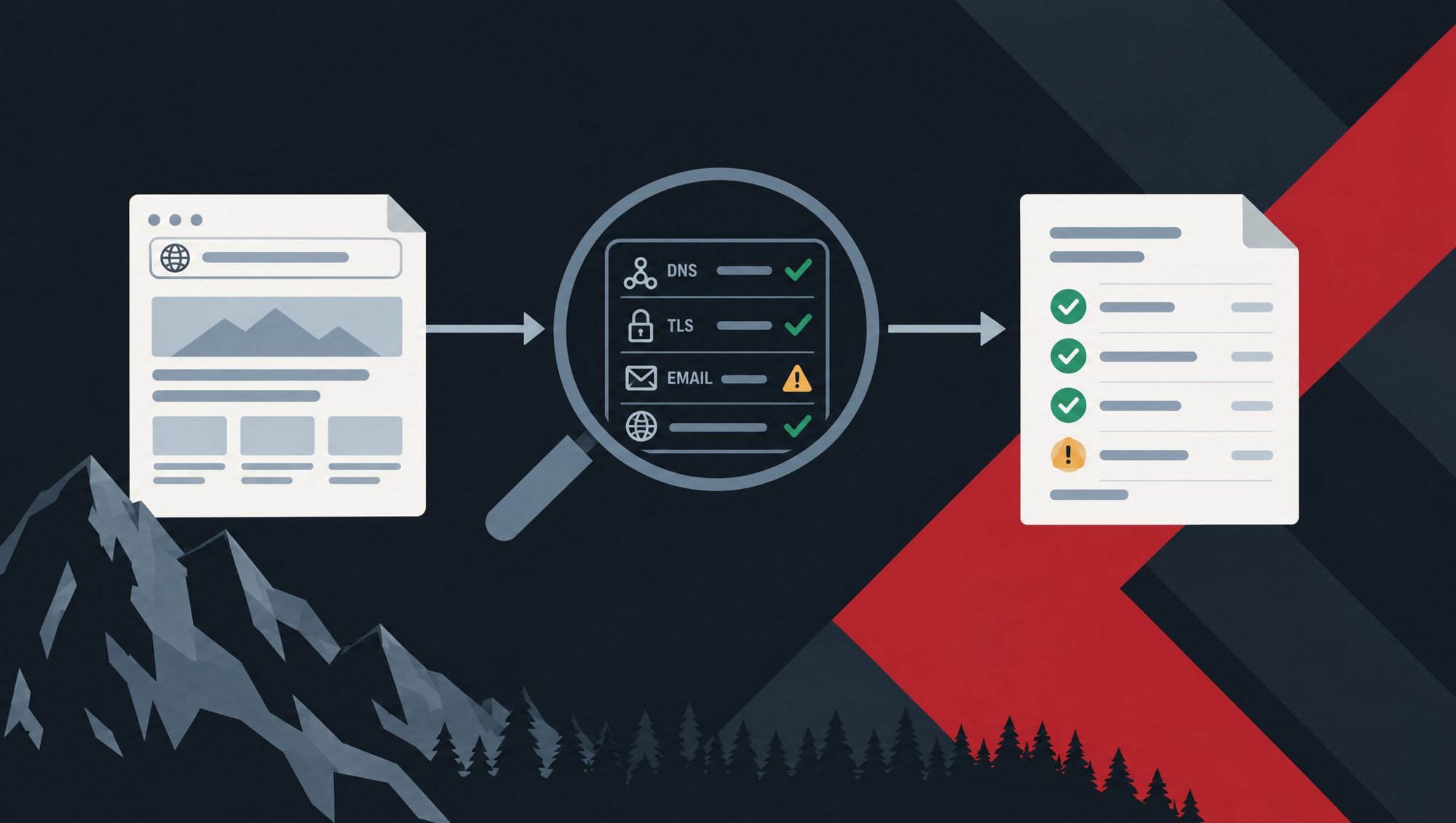
Ironfang Security checks the public configuration covered here: DNS, TLS and certificates, HTTP security headers, email authentication and exposure on a defined set of common service ports. Findings include evidence, severity, confidence and steps to fix the issue, with rechecks to confirm the result after a change. The security check reference explains the individual checks and their scope.
You add a domain, verify control through a DNS TXT record and confirm that you are authorised to test it before running a scan. The checks are low impact and do not attempt exploitation. Hostnames discovered in certificate transparency logs are listed for review rather than automatically scanned. This is an external configuration check, not a penetration test or a certification.
It is free during the preview, with no card required. If you want a starting point, check your first domain, read the evidence and work through the findings. Keep the wider inventory, account security and recovery work alongside it. Then repeat the relevant checks when the system changes.
- website security
- dns
- tls
- email authentication
- security headers